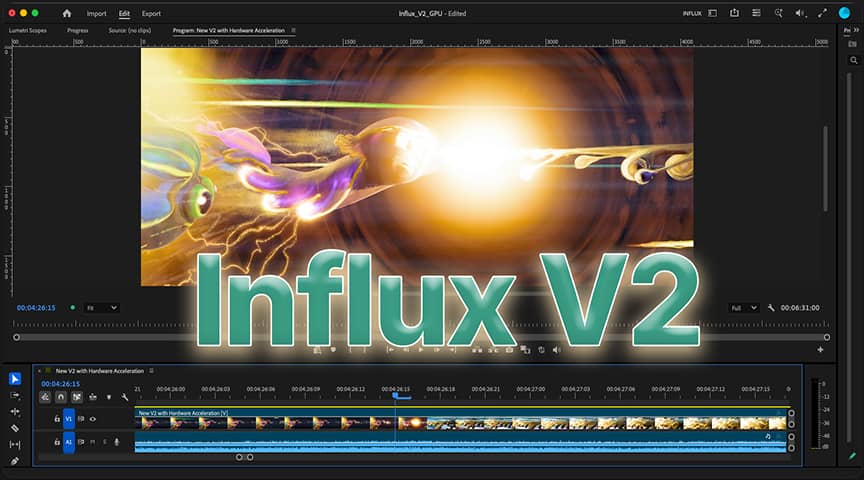

Influx is our all-in-one Importer C++ plugin for Premiere, AME and After Effects : MKV, WebM, AV1, HAP, FLAC and many more formats that Adobe does not support natively. Influx V1 was decoding everything on the CPU with multi-threading. After a year of hard work we're proud to release a first test version bringing GPU / Hardware Acceleration decoding, upon which we will continue to build more decoding performance optimizations, as well as overall improvements aimed at improving your experience importing videos in Adobe apps. It also brings video and audio fixes, see the full changelog below.
We need your feedback to finish Influx V2 and provide the best Importer ever.
How to install and test the BETA
 Download Influx V2 BETA1 for Windows
 Download Influx V2 BETA1 for macOS Apple Silicon Note : Intel Mac support was dropped, and compatibility starts with macOS 12 (Monterey)
- After Saturday, December 5, 2026, this BETA will not show you decoded frames anymore. Check regularly here for the latest updates or the official V2 release !
- Switch back to Influx 1.7 for your production work, this is a BETA. Reinstall V1 from the Download page. Only one Influx can be installed at a time : installing the V2 BETA replaces Influx V1
How GPU decoding works in Influx V2
GPU decoding is not always faster for all files and in all situations, especially in Adobe apps, that is why some stay on the CPU for now until further optimizations. By default Influx tries to only use the GPU where we measured it to be faster and correct : on specific codecs, for high resolution files that are hard to decode on the CPU.
| Platform and Acceleration available | Codecs in recommended mode | Codecs in maximum mode |
|---|---|---|
| macOS using Official Apple VideoToolbox (M1 and later) |
ProRes from 4K | All ProRes, H264, H265 / HEVC. AV1 only on M3 and later |
| Windows using NVIDIA NVDEC (RTX 2000 series and newer) |
H264 / H265 / HEVC, only for 4:2:0 BT.709 and from 2560x1600 | Other H264, H265 / HEVC 4:2:0, AV1, VP9, VP8, MPEG-1, MPEG-2, VC-1 / WMV3, Motion JPEG, depending on your NVIDIA GPU |
| Windows AMD or Intel graphics (D3D11VA) |
None for now | H264, H265 / HEVC, AV1, VP9, MPEG-2, VC-1 / WMV3, depending on your hardware |
Note that some files always stay on the CPU, whatever the mode : interlaced H264 and HEVC with alpha on macOS, interlaced Motion JPEG, MPEG-2 and MPEG-4 Part 2 on macOS, H265 / HEVC 4:2:2 and 4:4:4 and ProRes on Windows. Audio streams and still images also do not need and do not use accelerated decoding.
We're still working on bringing more codecs into the recommended mode, and studying other ways to use your hardware to decode faster. Accelerated decoding is a complicated topic so we're proceeding carefully step by step towards a better Influx.
Choose your GPU mode
Open the Settings & License popup of Influx :
- Premiere Pro : right-click a project item → "Source Settings…"
- Media Encoder : right-click a render queue item → "Source Settings…"
- After Effects : right-click a project item → "Interpret Footage" → "Main…" → "More Options…"
In the Settings tab, choose :
- "GPU for recommended media" (default)
- "GPU decode when available" : maximum mode for testing purposes, also the only mode for now that uses AMD or Intel graphics on Windows
- "GPU disabled" : a good way to continue using Influx like in V1 with all the latest improvements, bug fixes and the latest ffmpeg v9.0 libraries
Restart your Adobe application after changing it. If GPU decoding fails, don't worry, Influx automatically switches back to CPU decoding like in Influx V1.
Check what is decoded on the GPU
The new GPU Status panel in the Settings tab shows, for each video opened in your Adobe applications, whether it is decoded on the GPU (and with which backend) or on the CPU, and why. We're still working on improving the Settings popup, so let us know if some options are missing or what kind of logging information you would like to read there.
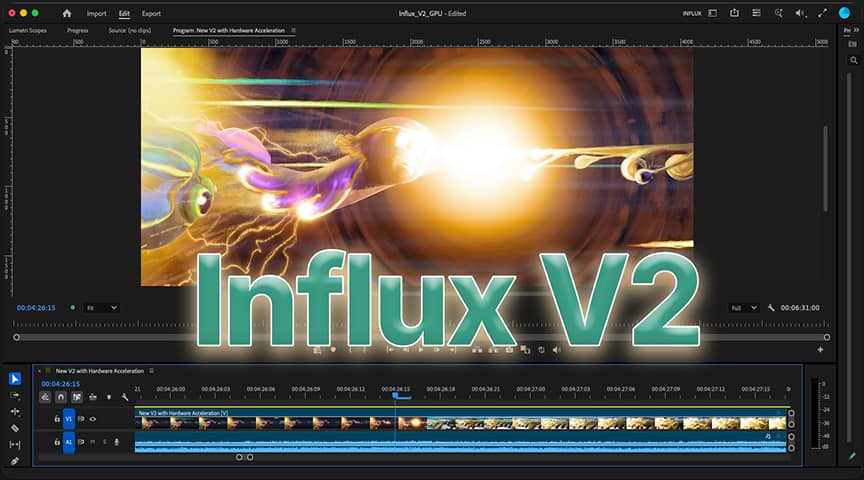
Image from "Singularity" © Blender Foundation | Blender Studio, licensed under CC BY 4.0
Send us your feedback !
We need your help to make GPU decoding fast and reliable on as many computers as possible. Tell us which files are faster or slower on the GPU, which ones fail, and what hardware you're running. Whether your experience is a success or a failure, we want to hear from you ! Here's how to help us :
- Enable the logs of Influx by following this article, then reproduce the problem
- Send us the logs by attaching them on our contact page, with a short description of what happened, or your general experience with Influx V2 and your workflow with Adobe
- Upload your footage for us to test in the Influx Drop Zone
If you help us fix a specific bug, we will offer you a license for Influx V2 when it is released !
Happy editing with Influx
Changelog
Influx 2.0.0 BETA1 (October 21, 2026)
- Influx V2 BETA1 is made after Influx 1.7.0, with ffmpeg v9.0 libraries and brings for the first time GPU / Hardware Acceleration (HWA) decoding in Adobe video apps for some codecs. It is free and time limited for testing purposes : after Saturday 5th of December 2026 it will not show you decoded frames anymore. Switch back to Influx 1.7 for your production work. Only one Influx will be installed at the same time
- Video GPU / HWA Decoding :
- By default Influx tries to only use the GPU where we measured it to be faster and correct, on specific codecs and for high resolution files that are hard to decode on CPU. GPU decoding is not always faster for all files, that is why some stay on the CPU. Currently enabled by default for macOS ProRes from 4K, Windows NVIDIA H264 / H265 / HEVC 4:2:0 BT.709 for resolutions from 2560x1600
- Choose in the Settings tab of the Settings & License popup (or gpuDecodeMode in Influx Config.toml) : "GPU for recommended media" (default), "GPU decode when available" (for testing purposes) or "GPU disabled". Restart your Adobe application after changing it
- macOS : uses official VideoToolbox from your Apple chip. https://developer.apple.com/documentation/videotoolbox
- Windows NVIDIA : if your computer cannot use NVIDIA GPU NVDEC decoding (NVIDIA driver too old, or no compatible NVIDIA GPU), Influx shows one warning per session in your Adobe application with what to do, and decodes on the CPU. Support starts from NVIDIA GeForce GTX 1650 and RTX 2000 series and newer (up to RTX 5000). https://en.wikipedia.org/wiki/NVDEC
- Windows with AMD or Intel graphics (including integrated graphics) can only be used in "GPU decode when available" mode for now
- New "GPU Status" panel in the Settings tab : for each video opened in your Adobe applications, shows whether it is decoded on the GPU (and with which backend) or on the CPU, and why
- If GPU decoding fails, Influx automatically switches back to CPU decoding like in Influx V1
- At most 4 videos per Adobe application are decoded on the GPU at the same time, the others use the CPU
- Video :
- WebM (VP9, AV1, files recorded from Chrome, YouTube videos) : the last frame of the video could be missing, fixed
- When the video of a file does not start at time 0 (happens in MTS / M2TS, MPEG-TS and some MP4 and MKV files), frame 0 is now its first picture. A clip edited with Influx 1.7 can therefore be shifted by one or several frames in this BETA : check your edits when reopening your projects
- AVCHD / MTS camera files and Canon C70 MXF long GOP files, scrubbing now shows the requested frame instead of a neighbouring one
- Audio :
- xHE-AAC audio is now supported
- Audio with a few damaged packets (AAC, MP3, RealAudio) now plays instead of failing the whole import
- Audio tracks that are declared but contain no sound are now imported as silence instead of failing
- Some .MOV files with 5 or 6 channels of PCM audio (for example ARRI AMIRA ProRes camera files) whose sound could not be read now import with their sound
- What we are still working on :
- Continue to optimize NVIDIA NVDEC decoding and macOS VideoToolbox decoding
- Support for advanced audio configuration (multiple tracks, 5.1, 7.1, Ambisonics etc.), better audio and video sync
- Improving our Settings popup to offer more practical options and better logging of recently decoded files
- So far Influx V2 is focused on using Dedicated Hardware Acceleration available, but we do want to make more use of custom GPU decoders as well when it can bring even more benefits, for example for ProRes, Vidvox Hap and Resolume DXV
- Reducing amount of error and warning messages
- macOS : Support only for Apple Silicon Macs (M1 and later) starting from macOS 12 (Monterey), Intel Macs are dropped