How to Lossless trim your AVC / H264 and HEVC / H265 files in Premiere Pro
You can now trim your AVC / H264 and HEVC / H265 files in Premiere Pro !
How to trim your Image Sequence in Adobe Premiere Pro
You can now trim your Image Sequence in Premiere Pro !
BETA for AfterCodecs V2 (Exporter for Adobe Premiere Pro, Media Encoder and After Effects)
Try out our latest BETA for the second upcoming version of AfterCodecs, new features to test !
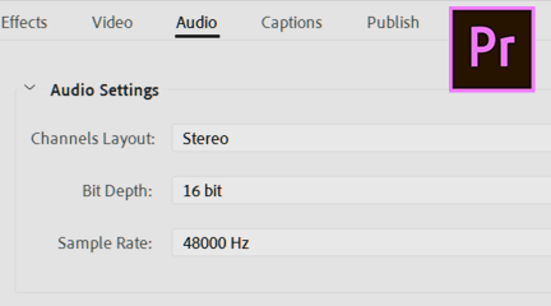
Exporting/Importing Mono, Stereo and 5.1 in Premiere Pro
A guide to exporting and importing mono, stereo and 5.1 audio in Premiere Pro
How to trim your BRAW files without re-encoding ?
You can easily trim your BRAW files with BRAW Studio in our Desktop Application or in Premiere Pro !
BRAW Studio YouTube short tutorials series
Watch our latest short video tutorials to understand all BRAW Studio features
How to License PlumePack
Learn how to license PlumePack and unlock its Premium Features
How to report a bug in PlumePack?
Trouble with PlumePack ? Here's how to send us the logs we need to help and fix the bug
Introduction to PlumePack for Premiere Pro
What is the purpose of our plugin PlumePack and its features ? A tour of the Premiere Pro panel and how to use it
PlumePack Options Explained
What are the PlumePack options? Get all information detailed here!