Immersive Clips with BRAW Studio
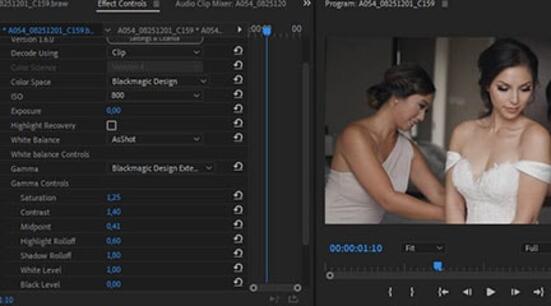
Discover what you can do with Immersive Stereoscopic .braw files in Premiere Pro and After Effects
BRAW Studio Version 3 Upgrade
Learn about the new features of BRAW Studio V3 and the upgrading process
BRAW Studio App: A New Powerful Tool for BRAW Files
Details about the new BRAW Studio App: a BRAW Player where you can edit Settings, trim and more!
Fast Color Correct with the BRAW Studio White Balance Picker
Indicate the white/grey part in your BRAW image to automatically set Color Temperature and Tint !
BRAW Studio Legacy Versions for Old Support (previous macOS and Adobe)
Access Legacy BRAW Studio versions to keep running on platforms newer releases dropped, due to requirements updates
How to Install Blackmagic RAW (.BRAW) Player and Thumbnails for Windows and macOS
Blackmagic Design website can be confusing so we have a special installer for you to easily install their Player and Thumbnails
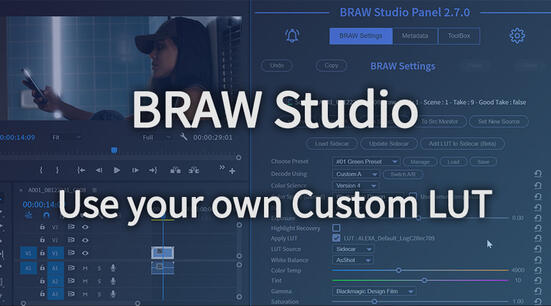
Apply your Custom LUT directly to BRAW
Apply your own custom LUT in BRAW Studio, processed by the official Blackmagic RAW SDK like an Embedded LUT ! Quick tutorial inside
BRAW Studio is Now FREE !
BRAW Studio's basic importing features are now free ! What that means in practice for you and your coworkers
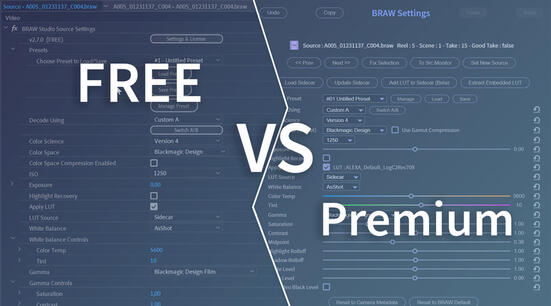
BRAW Studio FREE versus Premium License
Our new licensing explained: decode Blackmagic RAW for free in Premiere Pro and After Effects, and see what Premium adds
Batch Change your BRAW Settings in one click in Premiere Pro
Learn how to set a BRAW Setting for multiple clips at once in Premiere Pro !
Apple Silicon (M1) Plugins Compatibility with Adobe Creative Cloud and Autokroma products
Updated Premiere Pro and your plugins vanished ? Here's the workaround to switch back to Intel mode !
Premiere Pro Productions with .BRAW (Blackmagic RAW)
If you are working with BRAW Studio and the Premiere feature called Production, there are some important things you need to know !
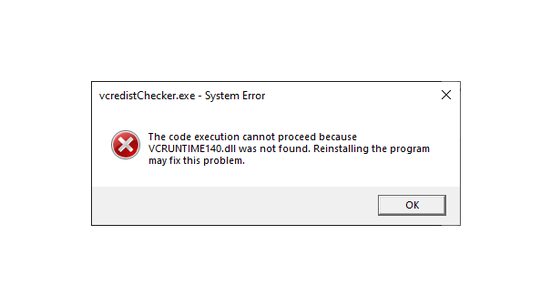
vcruntime140.dll was not found : How To Install VCRedist to use our plugins
You need to install the Visual C++ Redistributable from Microsoft to use our plugins and other Windows applications
How to trim your BRAW files without re-encoding ?
You can easily trim your BRAW files with BRAW Studio in our Desktop Application or in Premiere Pro !
BRAW Studio YouTube short tutorials series
Watch our latest short video tutorials to understand all BRAW Studio features
BRAW Studio Upgrade to v2.2+ Bug Fix
You might have offline media & timeline shifts after upgrading from before 2.2.0, here's how to fix this !
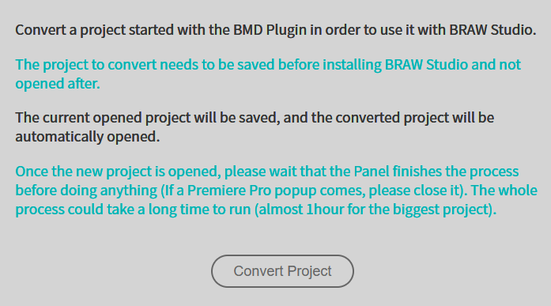
How to convert your project to BRAW Studio ?
How to convert a project you started with the Blackmagic plugin to BRAW Studio !
Blackmagic RAW 1.7 Bug : no thumbnails and file access issues (Fixed)
More information about the bug in Blackmagic RAW API 1.7 on Windows that might affect you on Windows
Our Progress on BRAW Studio and Future Features : Tell Us About Your Needs !
Summary of what we've achieved in BRAW Studio and a public poll for you to tell us what features you need the most
BETA for URSA 12K .BRAW & Color Science V5, BMPCC6K Pro (Import in Premiere Pro and After Effects)
Try our latest BETA (BRAW API 2.0) to import URSA Mini Pro 12K and BMPCC 6K Pro, and test BMD Color Science V5 in Adobe apps !
BRAW Studio Settings & License Popup
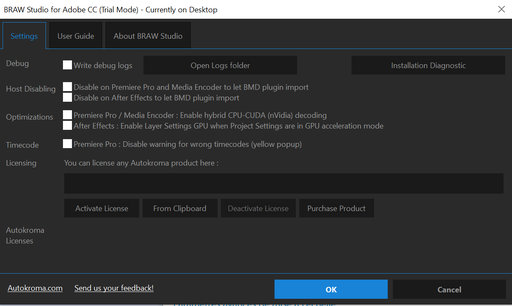
The Settings & License Popup is where you register your license and change its global settings
The BRAW Studio Panel BRAW Settings tab
BRAW Studio V2 adds a panel tab to color grade more efficiently and batch edit a selection of .BRAW !
BRAW Studio Version 2 Next Upgrade with Source Settings Panel
Explanation about our V2 upgrading process to use our new Source Settings Panel, and to know if you qualify for our free upgrade
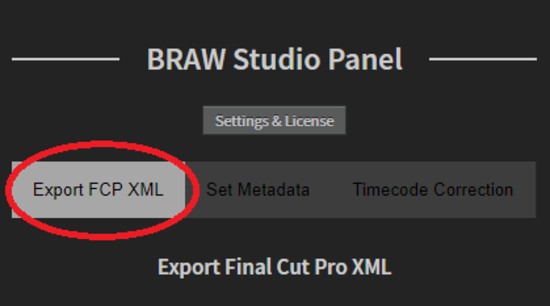
BRAW Studio 1.9 : New Export XML Feature in our Premiere Pro Panel
Our latest feature introduces the best way to solve the Adobe timecode bug for timeline XML export
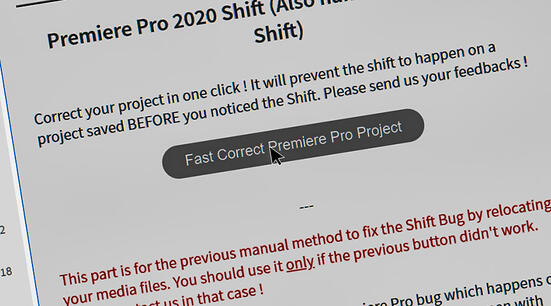
Premiere Pro Timeline Shifts (or First Frame) After Moving Project or Relinking Footage
This Premiere 2020 bug will shift your timelines or reset your clips to their first frame; here's how to fix your project !
The BRAW Studio Presets
Everything you should know about the BRAW Studio Presets feature !
BRAW Studio for After Effects is available now
Learn the basics of color grading Blackmagic RAW (.braw) in After Effects !
Compatibility between Blackmagic RAW Plugin and BRAW Studio
All you need to know about compatibility between Blackmagic Design's Adobe plugin and our BRAW Studio plugin
Blackmagic RAW (BRAW) Wrong Timecode Issue in Adobe CC
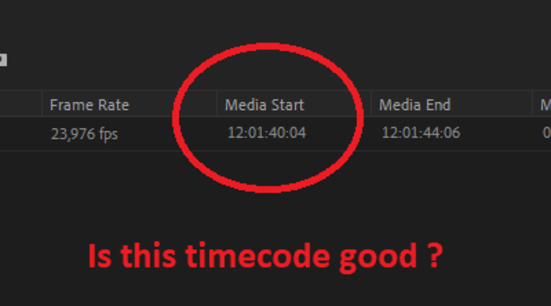
Understand the BRAW timecode issue and its fallout: no XML timeline export for DaVinci Resolve, plus timeline Shifts
How to report a bug in BRAW Studio ?
Here's how to send us the logs we need to fix your BRAW Studio issue
Blackmagic RAW Plugin and BRAW Studio - What's the difference ?
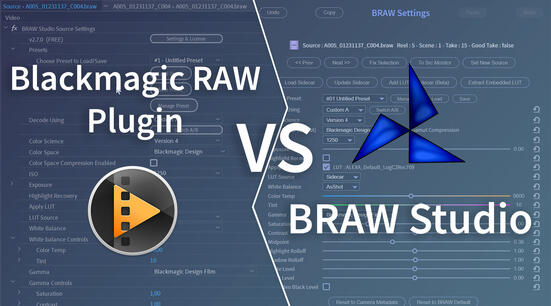
Blackmagic's own BRAW plugin vs BRAW Studio: the differences, so you can pick what's best for you
What's the Difference between AfterCodecs and BRAW Studio?
Discover what plugins are, how Autokroma's differ, and why AfterCodecs has a license per Adobe Host
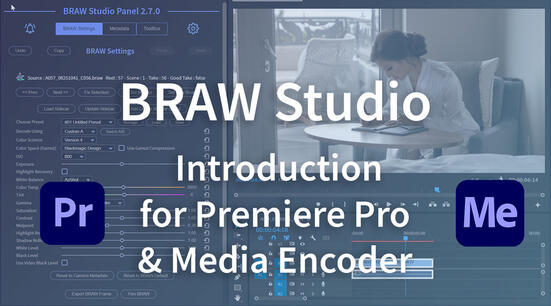
Introduction to BRAW Studio
What is BRAW Studio ? The Desktop App, Adobe plugins, Limitations, the Premiere Panel, Source Settings and the Sidecar workflow, all explained
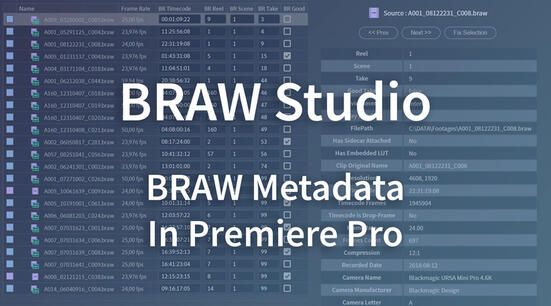
BRAW Metadata in Premiere Pro : Visualize and Organize
Learn how to display .BRAW metadata (Reel, Scene, Take, Lens name...) in Premiere Pro and organize your project from it !
How to Retrieve Your License from aescripts.com
In this article you'll learn how to retrieve your license from your aescripts + aeplugins user account
How do I avoid the Shift Issue in BRAW Studio ?
Avoid the BRAW Studio clip shift issue, and repair a project that already has shifts
Importing Blackmagic RAW (.BRAW) in PluralEyes - Syncing audio for editing in Premiere Pro
How to use .BRAW with Red Giant PluralEyes in order to sync your footage and audio automatically in Adobe Premiere Pro
How to License BRAW Studio and access Premium features
Here's how to open BRAW Studio's Settings and License to license it and access its Premium features